
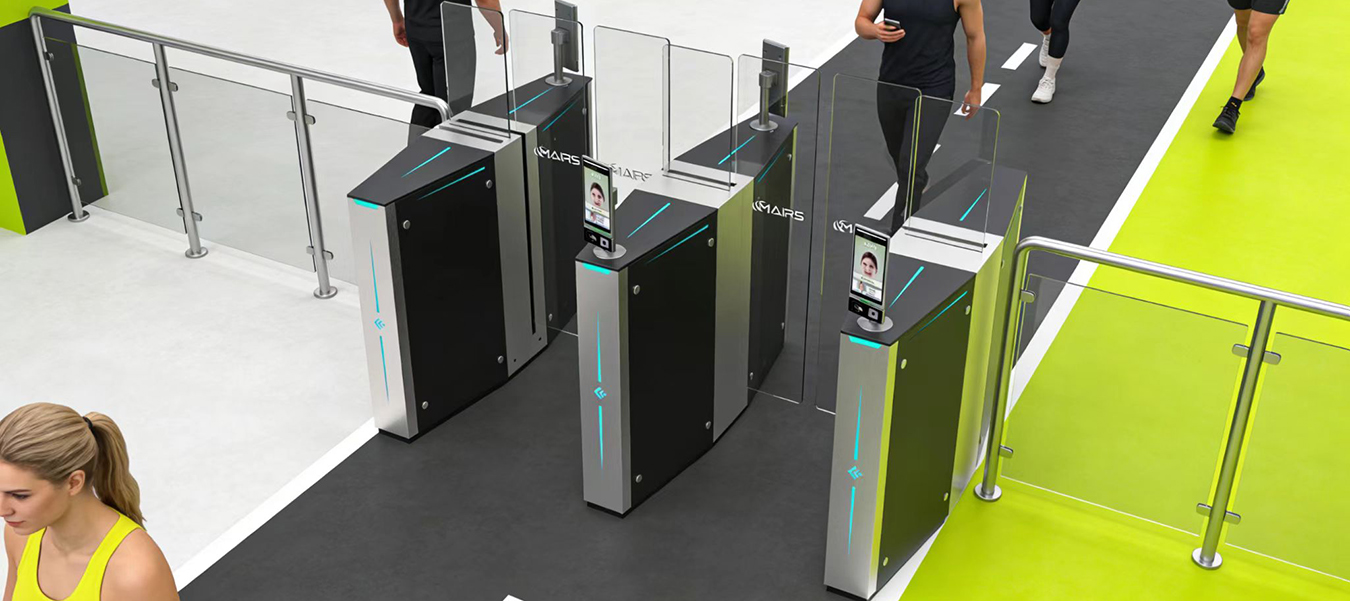
Running a 24-hour gym, boutique fitness studio, or large health club means balancing smooth member flow, secure entry, and automatic membership validation. A properly integrated gym turnstile system removes manual check-in work, stops tailgating, blocks expired members, and feeds real-time attendance data straight into your gym management platform. This practical integration guide walks gym owners, facility managers, and system installers through the full workflow from planning to live commissioning.
What Is Gym Turnstile Integration?
Gym turnstile integration links physical turnstile hardware with your gym membership software, access controller, and credential readers. It is not simply wiring a gate to a card reader. When a member scans a QR code, RFID fob, or uses facial recognition, the system checks their account status in real time: active membership, no overdue payments, valid access hours, and permitted entry lanes. If approved, the controller sends a relay signal to unlock the gym turnstile; if denied, access is blocked and an event log is saved for reporting.
Gym turnstile integration turns a membership database into a physical gatekeeper. When a member taps a card, scans a QR code, or looks into a camera, the system checks their status against your gym software and either opens the lane or keeps it locked. Done well, the integration is invisible to members and transformative for operations—cutting fraud, eliminating front-desk bottlenecks, and producing attendance data you can actually trust.
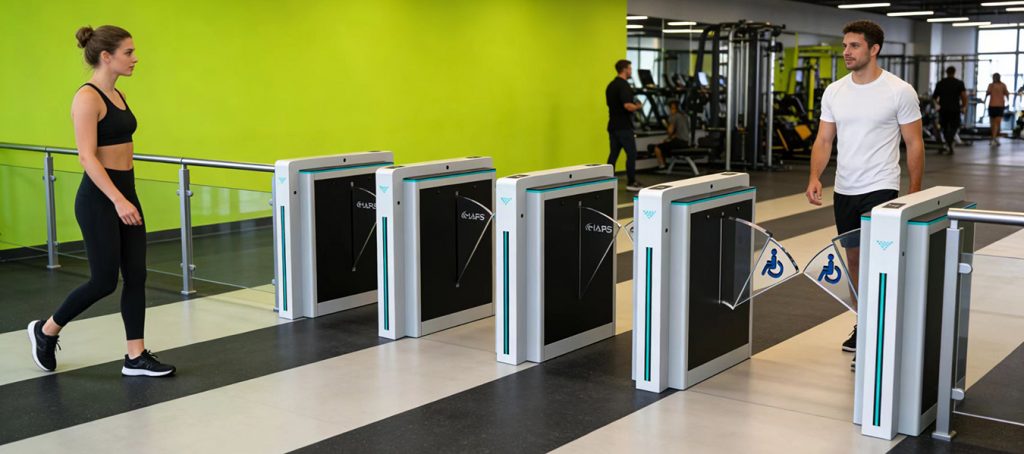
Common integrated workflows for gyms include:
- Self-service entry for 24/7 unmanned gym operation
- Automatic lockout for lapsed or overdue memberships
- Anti-tailgating and anti-passback enforcement
- Live check-in logs for occupancy tracking
- Staff-only access lanes with separate permission rules
- Visitor and day-pass temporary access
Step 1: Choose the Right Turnstile Type for Your Gym
Your integration design starts with selecting hardware that matches your traffic volume, brand style, and security needs. Each turnstile family supports different reader options and integration features:
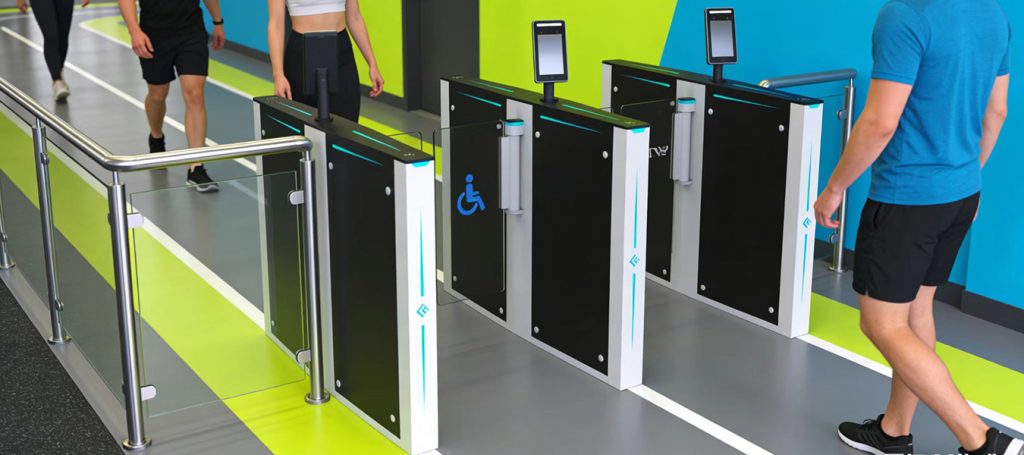
- Flap barrier gate turnstiles – The most popular choice for modern gyms. Fast opening, sleek glass design, compatible with QR, RFID, Bluetooth and facial readers. Great for medium-to-high traffic lobbies.
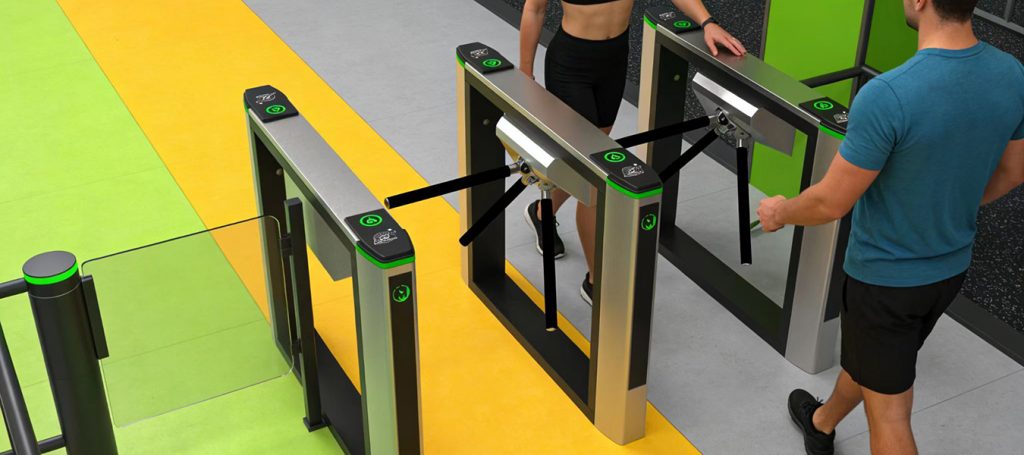
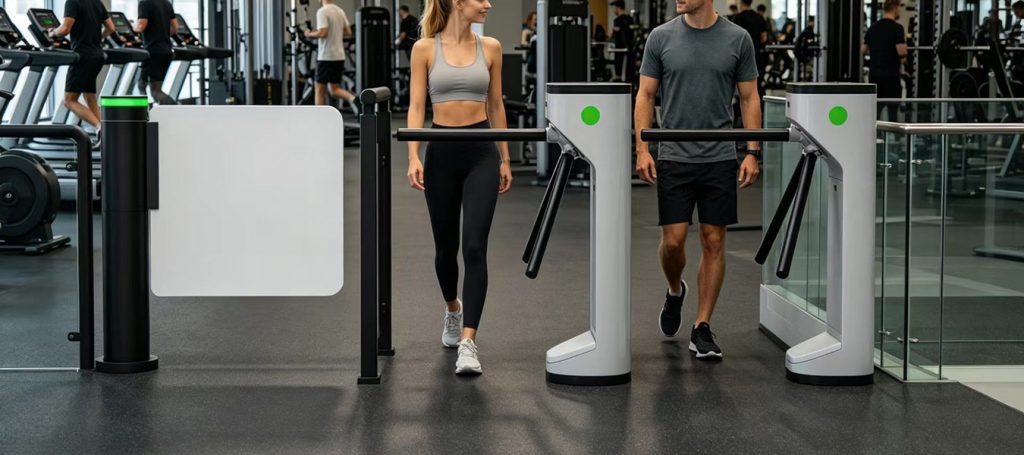
- Tripod turnstiles – Budget-friendly, robust, excellent for high-traffic budget gyms and functional fitness boxes. Strong anti-tailgate performance.
- Full-height turnstiles – Maximum security. Hard to climb over, ideal for unmanned gyms, sports centres, or facilities where theft prevention is a priority.
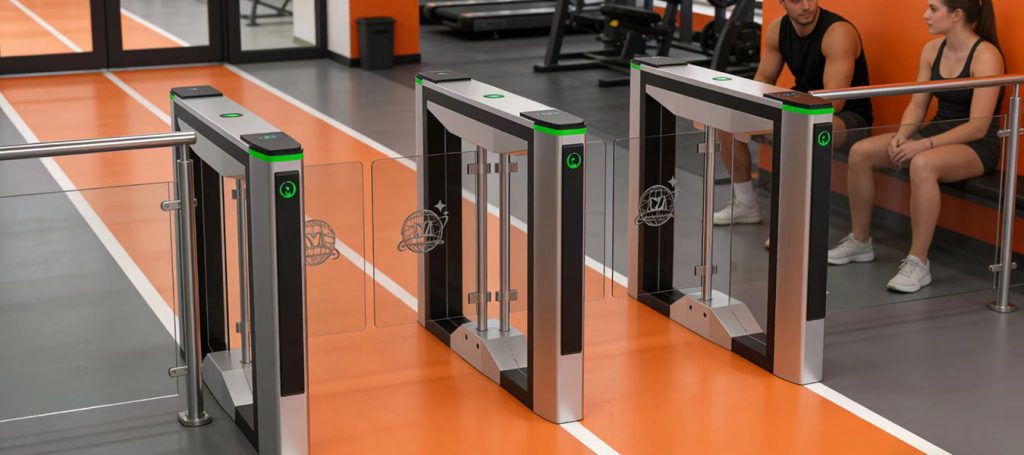
- Swing barriers / optical turnstiles – Low-profile, premium look, suitable for luxury fitness clubs and health spas.
Before buying, confirm the turnstile controller supports your required communication protocols: Wiegand, RS485, dry contact relay, or TCP/IP network connection. This is one of the most common integration roadblocks: software supports API, but the turnstile controller only has Wiegand outputs.
Step 2: Map Your Integration Architecture & Protocols
There are three standard integration architectures for gym turnstile deployments. Understanding these will help you avoid scope creep and compatibility issues.
1. Wiegand / Dry Contact (Simple, Reliable)
Best for smaller gyms or legacy membership systems. The reader sends a Wiegand ID to the access controller. The controller validates the credential locally or syncs member data from your gym software database. A dry-contact relay pulse triggers the gym turnstile unlock. Pros: Low cost, widely supported, easy for installers. Cons: Limited real-time two-way sync; access rules are often stored on the controller, not the cloud platform.
2. RS485 Serial Integration
Used for direct controller-to-software communication. Suitable when you need to pull lane status, alarm events, and passage data back to your gym dashboard. Often paired with tripod and full-height turnstiles.
3. TCP/IP + API Integration (Recommended for 24/7 Cloud Gym Software)
API integration is the gold standard for modern gyms using cloud-based gym management systems. The membership platform maintains the single source of truth for all member accounts. When a credential is presented:
- Reader captures the member unique ID
- Controller sends an API request to your gym software endpoint
- Software checks membership status, billing, access schedule, blacklist
- Software returns “allow” or “deny” response
- Controller triggers turnstile release or rejection, and logs the event
Advanced API features include scheduled access windows, time zone rules, temporary day-pass tokens, real-time occupancy counters, and webhook alerts for denied access attempts.
Critical feature checklist for API integration:
- Offline cache mode: If internet drops, the controller must buffer local access events and sync once connectivity returns
- Webhook support for entry/exit events
- Timeout and retry logic
- Secure authentication (API keys, OAuth2)
- Timestamped audit logs
Step 3: Define Access Rules & Security Settings
Once the hardware and communication path are confirmed, configure your business rules inside the gym software and turnstile controller. These settings directly reduce admin labour and security risk.
Anti-passback (APB) Anti-passback prevents a member scanning once and letting multiple people enter. It enforces “in then out” sequencing per member credential. For gyms, choose soft anti-passback for flexibility or hard anti-passback for strict security. Hard APB blocks re-entry until a valid exit event is registered.
Anti-tailgating Most modern gym turnstiles use infrared or radar sensors to detect multiple people in one lane. If tailgating is detected, the gate stays locked or triggers a local alarm. This is essential for unmanned overnight gyms.
Access schedules Assign different time windows: peak hours for regular members, restricted hours for off-peak membership tiers, separate staff hours. You can also block public holidays or maintenance windows automatically.
Emergency egress setting This is non-negotiable for building compliance. On fire alarm trigger or power failure, gym turnstiles must fail open for safe evacuation. Always wire fire alarm dry-contact interlock into the controller.
Step 4: Site Preparation & Wiring Checklist
Poor site prep causes most on-site integration delays. Work through this checklist before your electrician arrives:
- Measure lane width, pedestrian flow direction, wheelchair / wide-access bypass gate requirements
- Run dedicated stable power for turnstile controllers and readers; avoid shared lighting circuits
- Pull CAT6 network cable for TCP/IP controllers or shielded wiring for Wiegand / RS485
- Plan reader mounting height and angle for QR scanning and facial recognition
- Install bypass emergency exit gate compliant with local fire codes
- Separate ground wiring to reduce electrical noise that corrupts Wiegand signals
Step 5: Commissioning, Testing & Go-Live
Commissioning should happen in three phases, never jump straight to live members.
- Hardware standalone test: Power each gym turnstile, test unlock relay, sensor detection, alarm, and fail-safe release.
- Controller and reader test: Scan test credentials and confirm ID reads consistently.
- Full end-to-end integration test with test accounts:
- Active member: should unlock
- Expired / overdue member: access denied
- Access outside allowed hours: denied
- Anti-passback test: scan in, attempt second entry without exit
- Network outage test: verify offline caching works
- Fire alarm trigger test: gates release for evacuation
After successful testing, roll out to a small member group first for beta checking, then fully switch over. Train front desk staff to understand denied-access reasons, not just reset the gate.
Common Gym Turnstile Integration Mistakes to Avoid
- Buying gym turnstiles first without confirming protocol compatibility with your gym software
- Skipping offline buffering: gyms lose internet often, and members get stuck outside
- Incorrect anti-passback configuration causing false lockouts
- Missing fire alarm interlock, failing safety inspections
- Too-short relay pulse time: gate unlocks but closes before the member walks through
- No separate visitor / day-pass workflow, forcing manual override every time
- Overlooking accessibility requirements with no wide bypass lane
Troubleshooting Common Integration Issues
| Issue | Likely Cause | Fix |
|---|---|---|
| Reader scans, but turnstile never unlocks | Wrong relay pulse wiring, wrong pulse duration, API returns deny | Check dry-contact wiring; adjust unlock pulse; pull API log |
| Same credential sometimes works, sometimes fails | Wiegand interference, unstable Wi-Fi, API timeout | Use shielded cable; switch to wired TCP/IP; increase API timeout |
| One scan lets two people enter | Tailgate sensors disabled, pulse held too long | Enable anti-tailgate detection, shorten relay pulse |
| Members locked out after payment | Sync delay between payment portal and access controller | Enable real-time webhook sync instead of scheduled polling |
| No entry logs showing in gym dashboard | Controller not sending events, blocked firewall port | Open required ports; confirm webhook endpoint is reachable |
FAQ
Can I integrate turnstiles with any gym membership software?
Only if both the access controller and the software share a compatible integration path: Wiegand, RS485, or documented open API. Many popular gym platforms have pre-built connectors for turnstile controllers, which cuts integration time dramatically.
Is API integration better than Wiegand for gyms?
For 24/7 unmanned gyms, API integration is better because membership status is checked live from the cloud. Wiegand works well for small studios with simple fixed access rules.
Do gym turnstiles work with mobile QR codes and Apple/Google wallet?
Yes, as long as you select a compatible QR or Bluetooth BLE reader paired with your membership app. This reduces the cost of physical key fobs for members.
Do I need an access controller, or can the gym turnstile connect directly to software?
Nearly all professional gym deployments use a dedicated access controller. The controller handles readers, relay outputs, sensor logic, offline storage and fire alarm interlock. The software talks to the controller rather than directly driving the gym turnstile motor.
Conclusion
A well-executed gym turnstile integration turns your entryway from a labour burden into an automated revenue-protection tool. The best deployments focus first on protocol compatibility, emergency safety, offline resilience, and clear access rules, rather than picking the cheapest gate hardware. When hardware, controller, and membership software speak reliably together, your gym can run smoothly with fewer staff, fewer entry disputes, and full visibility of who is inside your facility at any time.