
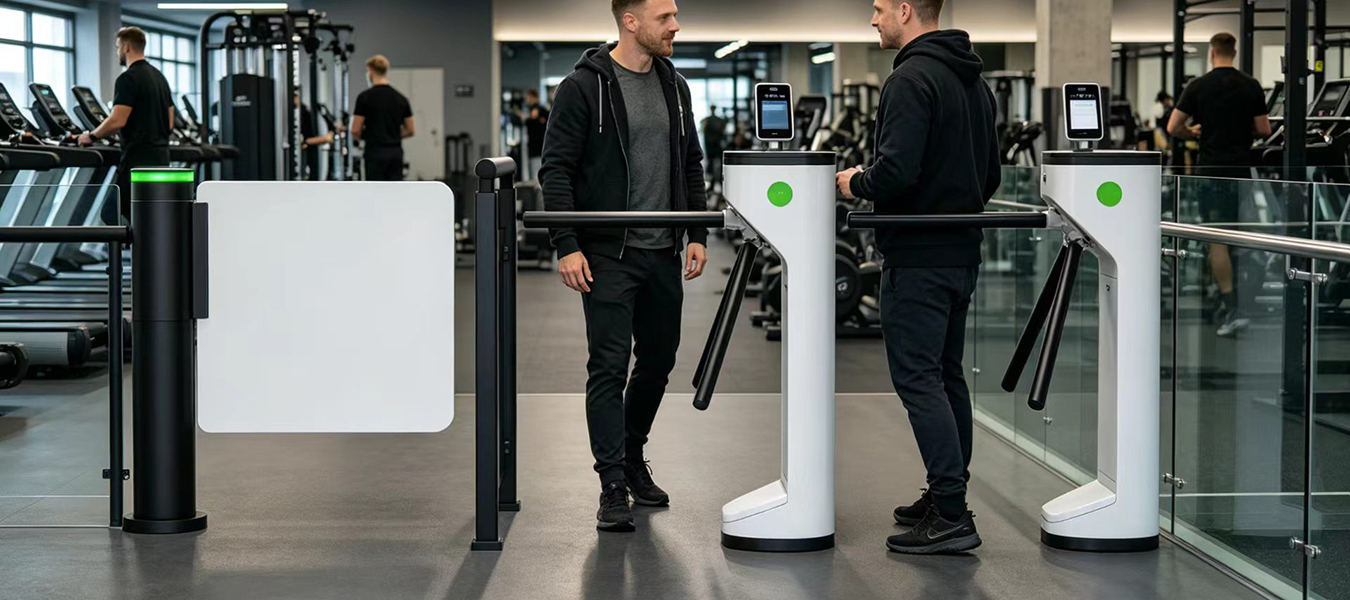
Tripod turnstiles remain one of the most widely used lane gates for offices, factories, construction sites, gyms and public facilities. They balance cost, physical security and throughput, but reliable performance depends heavily on correct integration with access control and attendance platforms. Many installers run into random unlock failures, missing attendance logs or broken anti-passback rules simply because they pick the wrong signal interface or miswire the turnstile board. This security tripod turnstile guide breaks down tripod arm turnstile dry contact, Wiegand, RS-485 and TCP/IP connections, core wiring rules, reader pairing, direction logic, alarm outputs, and the most common integration mistakes integrators encounter on site.
Common signal interfaces explained
Before opening the control cabinet, you need to choose an interface that matches your existing access panel and software workflow. Each has clear strengths and best-fit scenarios for tripod turnstile access control integration.
Dry contact (relay, volt-free) Tripod turnstile dry contact is the simplest and most universal integration method. It works as a switch signal: the access controller sends a short NO/NC pulse to the turnstile unlock input, and the gate releases for one passage. No data payload travels over this wire, only a trigger signal. This is ideal for basic single-lane deployments, legacy access panels, fire alarm emergency release and push-button entry. The downside is limited feedback: the access system may not reliably receive passage confirmation, alarm or direction status unless you wire separate output relays back to the panel. Dry contact is still the default fallback for most third-party access controllers that lack native protocol support.
Wiegand Wiegand carries credential ID from the reader to the access board, typically 26-bit or 34-bit. It is simple for RFID card readers, but unidirectional and limited on cable distance. Most integrators use Wiegand at the reader layer rather than for direct turnstile control. It works fine for small office lanes, but it cannot send turnstile status back, and it is vulnerable to interference on long cable runs.
RS485 Tripod turnstile RS485 is a differential bus protocol that supports bidirectional communication over longer distances than Wiegand. Multiple turnstiles can share one bus with unique device addresses. The host access software or controller can send unlock commands, read real-time gate status, direction events, arm position and alarm signals. It is popular for factory sites with multiple tripod lanes spread across a large area, where running separate dry contact pairs for every gate becomes messy. The main rule: terminate the bus correctly at the farthest device and avoid mixing power cables in the same conduit.
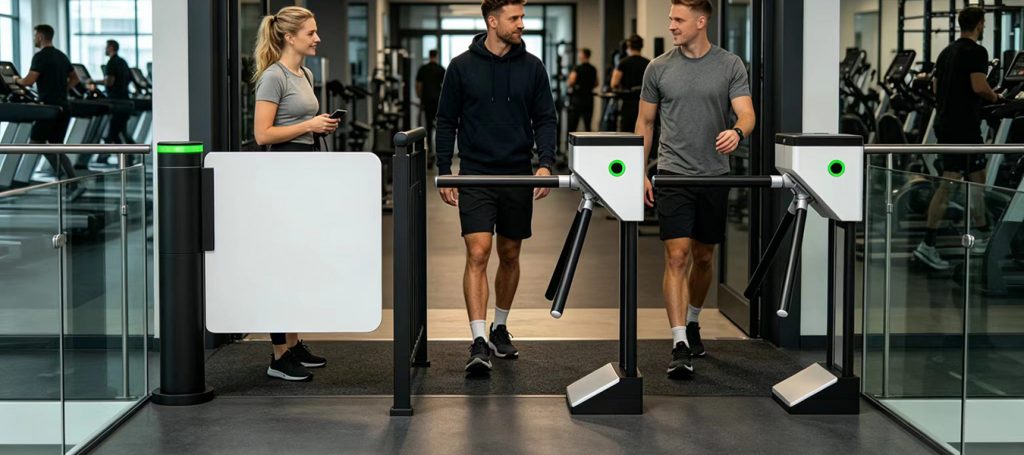
TCP/IP TCP/IP network integration connects the turnstile main board directly to LAN, enabling remote configuration, real-time event upload, centralized management and API links to attendance, HR or visitor management software. This is the best option for multi-site projects, cloud access platforms and systems that need full audit logs, timestamps and passage direction data. It adds IT configuration work (static IPs, firewall rules, port settings), but it unlocks the richest feature set for modern access control stacks.
Quick selection tip: Use dry contact for simple emergency release and legacy relay panels, RS485 for multi-gate local bus control, TCP/IP when you need deep software integration and full event logging.
Wiring diagram explanation (power, reader, fire alarm, relay unlock)
Every tripod arm turnstile control board groups terminals into four core blocks: power supply, reader terminals, unlock input and emergency/fire alarm interface. Always follow the manufacturer’s terminal map, because label naming varies slightly between brands.
Power wiring Most tripod turnstiles run on 12V DC or 24V DC. Use a dedicated power supply for the gate and readers; do not daisy-chain power across many lanes. Separate power cables from signal cables to reduce noise that causes random missed triggers. Secure protective earth grounding for the chassis and controller board — poor grounding is a top hidden cause of unstable signals.
Reader wiring RFID, QR and biometric readers usually wire to the access controller, not directly to the turnstile board in most standard architectures. The reader sends credential data (Wiegand or RS485) to the panel, the panel validates permissions, then sends an unlock pulse to the turnstile dry contact input. If the reader is mounted on the turnstile housing, route reader cables neatly through the chassis gland and keep Wiegand runs under the manufacturer’s maximum length limit.
Relay unlock wiring The access controller’s NO relay output connects to the turnstile’s unlock trigger and common GND. The pulse width matters: too short, and the turnstile misses the signal; too long, and multiple people can tailgate through one valid credential. Most tripod barrier turnstile integrations work well with a 300ms–800ms pulse. Always test the pulse length at the terminal with a multimeter, do not rely only on software settings.
Fire alarm wiring Fire alarm is a high-priority emergency dry contact input. Most boards use NC supervised wiring: the fire alarm panel holds the circuit closed under normal conditions. When the alarm activates, the circuit opens, and the turnstile automatically drops or releases the tripod arms for free evacuation in both directions. If you are not using the fire alarm input, install the factory jumper between fire terminal and GND, otherwise the gate may stay unlocked or fault constantly. Fire alarm logic overrides all access rules and anti-passback settings.
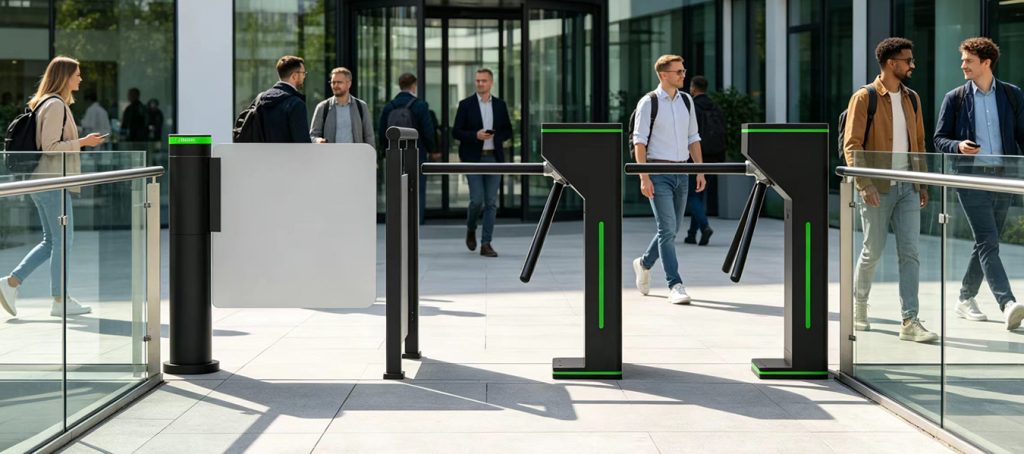
Integration with RFID, QR, biometric readers
Tripod turnstiles are reader-agnostic as long as the output matches your access controller.
RFID 125kHz and 13.56MHz card readers are the most common pairing. They output Wiegand to the access panel, which then triggers the turnstile via dry contact or RS485 command. Multi-frequency readers simplify upgrades where a site mixes old proximity cards and new MIFARE credentials.
QR code and mobile credential readers often use TCP/IP to send verification requests directly to cloud or on-prem access software. The software validates the dynamic QR token, then sends the unlock signal to the tripod gate turnstile. This architecture works well for visitor management and temporary access.
Fingerprint, face recognition and other biometric readers typically operate the same way: biometric matching happens on the reader or access controller. Once verified, the controller outputs the unlock signal. A key integration note: biometric readers can generate their own local logs, but for accurate attendance, you should sync the actual passage event from the turnstile, not just the reader verification event. A user may scan their face but walk away before entering, which creates false attendance records if you only log the reader OK signal.
Anti-passback, direction control, alarm output setup
These features turn a basic unlock gate into a controlled access zone, and they are where many integrations fail because settings are split between the access software and the turnstile board.
Anti-passback (APB) Anti-passback stops users from passing their valid credential to a second person. Two modes are common: local anti-passback on the turnstile board, and global anti-passback managed by the access control server. Local APB works for one lane, tracking in/out through built-in sensors. Global APB synchronizes across multiple tripod turnstiles and doors, so a card used to enter cannot be used to enter again until it registers an exit. Global APB requires TCP/IP or RS485 bus communication between all devices and the host system. Dry contact-only setups rarely support reliable cross-lane anti-passback because there is no bidirectional status feedback.
Direction control Tripod turnstiles can be set as entry-only, exit-only, or bidirectional. Each direction has its own unlock input and passage sensor. The control board uses optical sensors to confirm rotation and register a completed pass. You can map separate access controller relays to IN and OUT trigger terminals. This is critical for office and factory attendance where in and out timestamps feed payroll systems.
Alarm output Turnstile boards provide dry contact alarm outputs for events such as forced rotation, tailgating, timeout, arm jam or invalid credential attempts. Wire these alarm relays back to the access panel or alarm host. This lets your system log security events and trigger alerts on the management dashboard, rather than only lighting an LED on the tripod turnstile gate.
Common integration mistakes integrators make
Even experienced technicians repeat these errors on tripod turnstile access control integration jobs, leading to callbacks and unstable systems.
- Confusing NO and NC dry contact logic Swapping normally open and normally closed terminals for unlock or fire alarm inputs is extremely common. A fire alarm wired NO instead of NC will not release during an emergency; an unlock relay wired backwards will open the gate continuously. Always verify contact state with the relay de-energized first.
- Ignoring pulse duration and timing Setting the relay pulse too short results in intermittent “valid card but gate does not open”. Too long creates tailgating risks. Do not copy pulse settings from magnetic locks; tripod mechanisms have different timing requirements.
- Sharing conduits for signal and power cables Running 220V power cables alongside Wiegand, RS485 or dry contact signal wires introduces electrical noise. Intermittent faults are the hardest to troubleshoot, and this is one of the top causes. Separate conduits or use shielded twisted pair for RS485.
- Expecting dry contact to carry attendance data Dry contact only triggers unlock. It does not send card ID, user ID or timestamp back to attendance software. If you need real attendance logs, you must use RS485 or TCP/IP to pull passage events from the turnstile controller.
- Mismatched grounding and missing termination on RS485 Different ground potentials on a multi-device RS485 bus corrupt communication. Missing the 120Ω terminator resistor at the last turnstile on the bus causes packet loss and random offline devices.
- Testing only the reader approval, not the full passage cycle Many integrators stop testing once the reader shows “approved”. They do not verify that the turnstile sensor registers the completed pass, logs the direction correctly and updates anti-passback status. This leads to silent attendance and APB errors that appear weeks after handover.
FAQ
Q1: What is the difference between tripod arm turnstile dry contact and Wiegand interfaces?
A: Dry contact is the most common relay signal for tripod turnstile access control integration. It is a passive on/off signal, no voltage polarity requirement, easy to connect with most access controllers. It only sends a “pass allowed” trigger signal and does not transmit card ID data. Wiegand, by contrast, is used for card reader communication. The reader sends credential data to the access panel via Wiegand, then the panel sends an unlock command to the tripod barrier turnstile, usually through dry contact output. For simple setups, many integrators choose tripod turnstile dry contact for basic unlock triggering.
Q2: When should I pick tripod turnstile RS485 instead of TCP/IP?
A: Tripod turnstile RS485 works well for long-distance wiring (up to 1200m) and multi-drop bus topology. You can connect several tripod turnstiles on one RS485 bus, which is cost-effective for small to medium sites like factories and gyms without stable local network. It supports bidirectional control: direction lock, status feedback, alarm and remote unlock. TCP/IP is better for centralised cloud software, real-time logs, remote monitoring and large sites. It needs network cabling or Wi-Fi, higher bandwidth, and usually easier integration with modern attendance and access management platforms. Note: RS485 requires proper termination resistors and shielded cable to avoid signal interference.
Q3: Can I connect multiple readers (RFID, QR, biometric) to one tripod turnstile?
A: Yes. Most tripod turnstile mainboards support multi-reader input. The standard flow: the biometric / QR / RFID reader verifies credentials to the access control panel, then the panel outputs a dry contact pulse to unlock the tripod barrier turnstile. Important: Set only one reader active per direction at a time to avoid conflict. If you use built-in reader ports on the turnstile controller, confirm the protocol matches (Wiegand 26/34 is standard).
Q4: How to wire fire alarm unlock for tripod turnstiles?
A: Fire alarm signal is normally connected to the dry contact input of the tripod turnstile controller. When the fire control panel triggers, it sends a sustained closed signal to put the turnstile into free rotation mode for evacuation. Do NOT wire fire alarm signals through the access controller relay in critical installations. Direct hardwired linkage is recommended to guarantee unlock even if the access system loses power. Always check local fire code requirements.
Q5: What is anti-passback on a tripod turnstile, and which interface supports it?
A: Anti-passback (APB) prevents one valid credential from being used by a second person to tailgate through. It tracks entry and exit events and blocks re-entry without a matching exit record. APB logic can run either on the access control panel or on the tripod turnstile controller. If you use tripod turnstile RS485 or TCP/IP, the turnstile can send direction and passage status back to the software for advanced APB zoning. Dry contact only carries simple trigger signals, so full APB management usually relies on your access control software.
Q6: Why does my tripod turnstile trigger randomly or fail to unlock reliably after wiring?
A: This is one of the most frequent integration mistakes. Common causes:
- Shared power supply for readers, controller and turnstile motor causing voltage drop
- Unshielded RS485 cable, wrong wiring polarity or missing termination resistor
- Dry contact pulse time set too short or too long for the turnstile relay
- Ground loop noise between the access panel and tripod turnstile
- Mixing signal wires and high-voltage power cables in the same conduit
Separate power for heavy-current turnstile motors and low-voltage signal lines is the standard fix.
Q7: Will my existing third-party access & attendance software work with this tripod turnstile?
A: It depends on available interfaces.
- Software that supports dry contact relay output: nearly universal compatibility for basic unlock.
- Software with RS485 or Modbus support: can get turnstile status, direction and alarm feedback for tripod turnstile RS485 integration.
- TCP/IP with HTTP, SDK or open protocol: full two-way integration, real-time attendance logs and remote configuration. Check the software manual before purchase; some proprietary systems only work with their own branded turnstiles.
Q8: Can I set separate direction control for entry and exit on a tripod turnstile?
A: Yes. Most tripod turnstile boards support independent direction control. You can set one-way only, bidirectional, or lock one direction via the access controller or directly through RS485 / TCP/IP commands. This is widely used for office entrance-only or dedicated exit lanes.
Q9: What cable types should I use for each interface?
A:
- Dry contact / relay unlock: 0.5mm² twisted pair
- Wiegand reader: shielded 0.5mm² twisted pair, max 100m
- Tripod turnstile RS485: shielded twisted pair (CAT5 or dedicated RS485 cable), 120Ω termination resistor at bus ends
- TCP/IP: standard CAT5e / CAT6 network cable
- Power: size based on distance and current, avoid thin gauge cables for long runs.
Q10: Do I need to configure alarm output, and what signals can the turnstile send out?
A: Alarm output is optional but recommended for security monitoring. Typical alarm events include forced rotation, tailgate attempt, door held open, motor fault, and low power. Alarms are usually available as dry contact output or status messages over RS485 / TCP/IP to your access control system or alarm host.
Final thoughts
Tripod turnstile dry contact remains the safest, most compatible starting point for simple retrofits, while tripod turnstile RS485 excels for multi-lane local networks. TCP/IP delivers the full feature set for attendance, visitor systems and centralized access management. Successful tripod turnstile access control integration is not just about making the gate unlock. It means matching the protocol to the software stack, wiring emergency circuits to local fire codes, calibrating relay timing, validating anti-passback rules, and logging actual passage events. When you map signals, power, readers and alarm outputs carefully, tripod turnstiles become stable, low-maintenance parts of your access control ecosystem.