
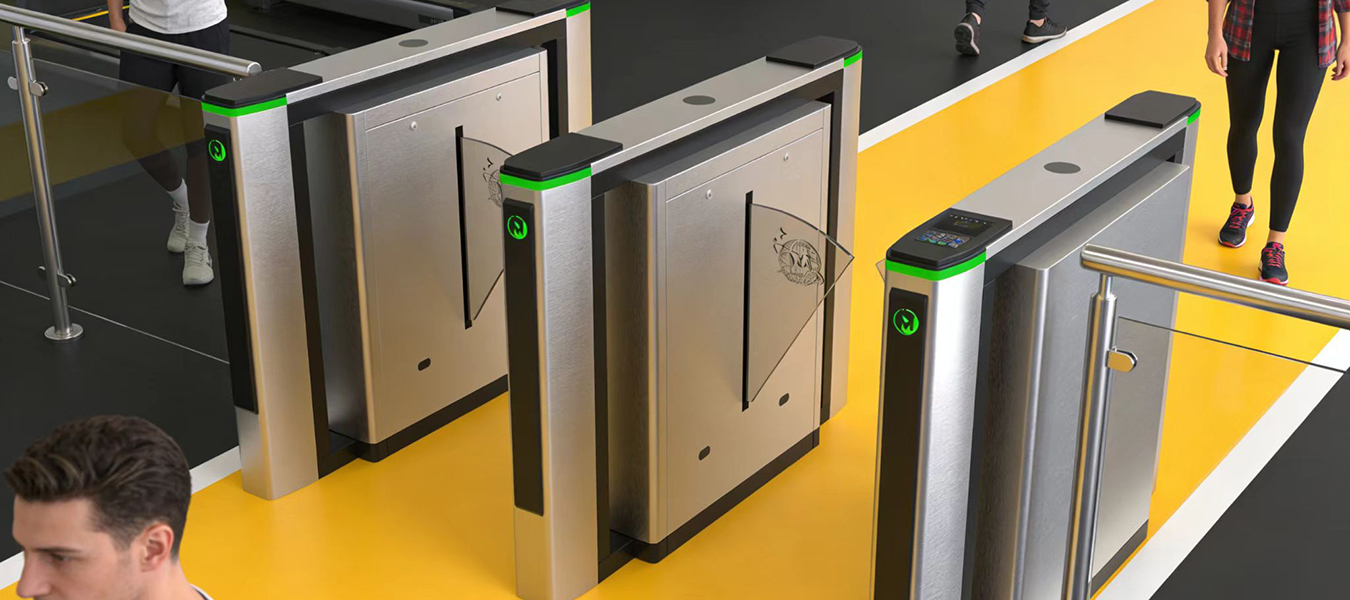
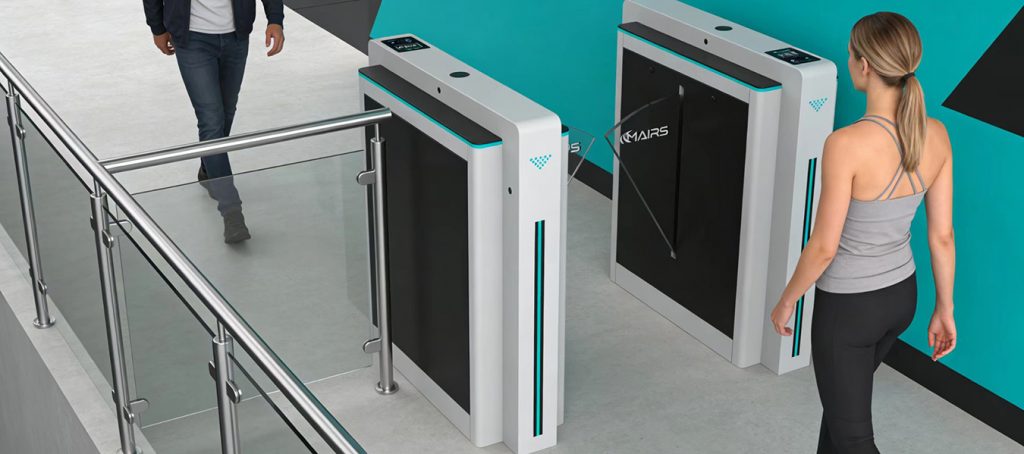
Flap barriers are one of the most popular fast-lane turnstiles for office buildings, airports, commercial lobbies, factories and smart campuses. But a high-quality flap barrier only delivers its full value when integrated correctly into the wider security ecosystem. For security distributors, system integrators and field installers, knowing the difference between Wiegand, dry contact, TCP/IP, RS485 and SDK integration directly impacts project acceptance, on-site troubleshooting time and client satisfaction. This practical guide walks you through each interface, wiring logic, linkage scenarios and common pitfalls.
Why integration matters for distributors
Many buyers treat flap barriers as independent gates, but modern security projects require unified workflows: authorized access, visitor temporary passes, elevator call linkage, emergency fire release, real-time passage logs and central status monitoring. Before jumping straight to wiring and protocols, the first critical step is selecting a flap barrier that matches your integration roadmap, site environment and security requirements. Picking the wrong hardware will create integration bottlenecks no amount of wiring can fix.
Poor integration creates recurring headaches: gates that fail to open after face verification, false anti-tailgate alarms, fire alarm miswiring that blocks evacuation, or missing access records for audit reports. As a distributor or installer, your ability to advise on the right flap barrier hardware and matching interface for each site separates you from basic hardware suppliers.
Small, simple office projects often use Wiegand or dry contact relay connections because they are low-cost and plug-and-play. Multi-lane campus or enterprise deployments prefer flap barrier TCP IP integration for remote management, batch configuration and live event uploads. Custom visitor platforms or proprietary building management software usually need SDK support. Matching the barrier hardware and interface to the project scope reduces rework and support tickets after handover.
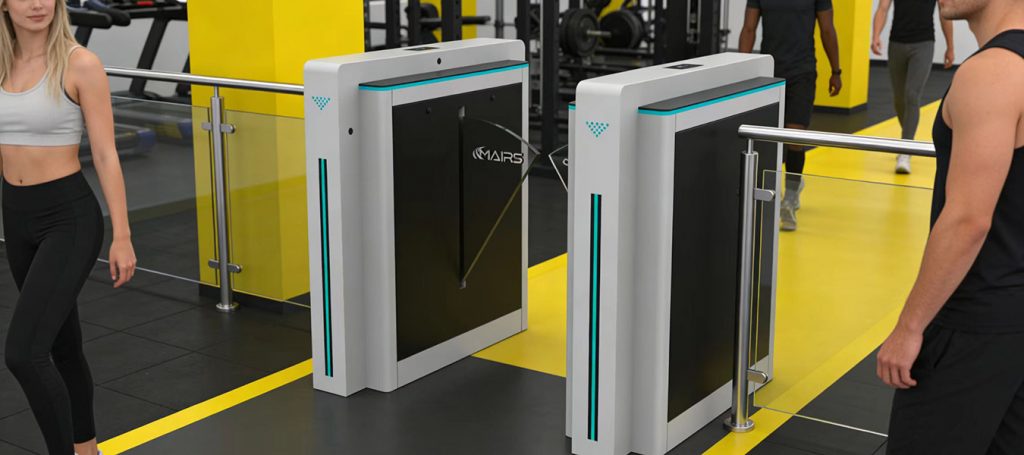
Key selection criteria for flap barrier turnstiles
- Interface onboard availability (highest priority for integration)
Check whether the main control board natively carries the interfaces you need. Entry-level cheap models may only offer dry contact and basic Wiegand, without TCP/IP, RS485 or SDK support. If your client plans to deploy flap barrier TCP IP integration, visitor management or central monitoring later, avoid locked, proprietary boards with no open API. Confirm: Wiegand 26/34 input, NC/NO programmable dry contact relay output, fire alarm dedicated input terminal, RS485 bus, Ethernet port and SDK/HTTP API availability. - Security and detection hardware
Anti-tailgate, anti-pinch and infrared sensor layout directly affect integration reliability. Look for multi-zone infrared sensors, mechanical + infrared anti-pinch protection, adjustable anti-tailgate sensitivity. For high-security lobbies, choose models with independent passage status output relay, so your access panel can reliably capture pass, alarm and tailgate events. - Traffic volume and mechanical grade
Low-traffic back-office access can use standard brush motor flap barriers. High-flow locations such as airport staff corridors, commercial building main entrances and gyms need servo motor versions with faster response, longer cycle life and adjustable flap speed. A barrier that jams under heavy traffic will break your whole access integration workflow. - Environment and compliance
Indoor standard lobbies use brushed stainless steel bodies. Outdoor, cold or humid sites require IP-rated casing, built-in heater and wide temperature support. Always confirm fire safety support: the barrier must support hardwired NC dry contact fire release, not only software-based network unlock. For export projects, verify CE and local safety certificates. - Channel width and accessibility
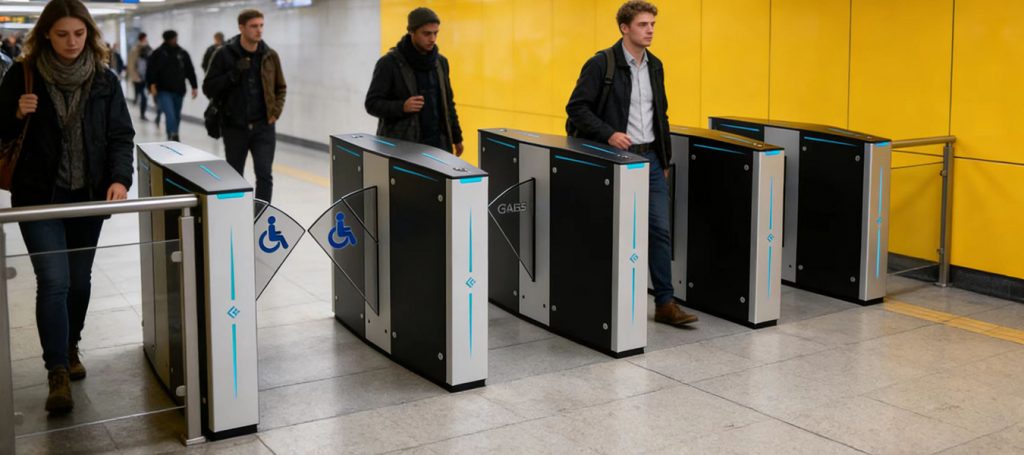
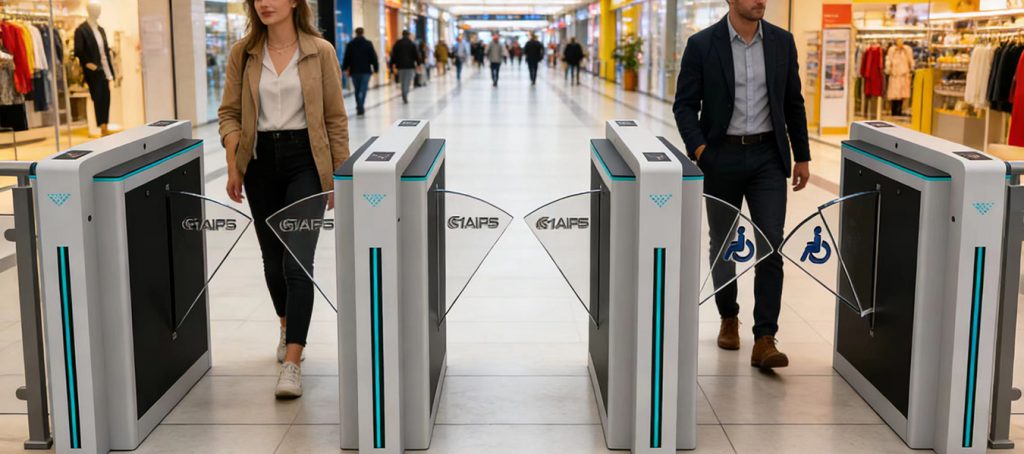
Standard single-person flap lanes are around 550–600mm. If wheelchair, trolley or cart passage is required, plan wide-lane flap barriers or pair standard lanes with accessible swing gates. Some flap models can be customised with longer flaps for wider channels. - Future expandability
Think about 2–3 year upgrades: will the client add face readers, QR visitor kiosks or elevator linkage later? Choose modular controllers that let you add readers and network functions without replacing the whole turnstile.
Each interface explained: Wiegand / Dry Contact / Relay / RS485 / TCP/IP
Wiegand
Wiegand remains the most widely adopted reader interface for flap barriers. Standard Wiegand 26, 34 or 37-bit signals carry card ID data directly from RFID, QR or biometric readers to the barrier mainboard or access controller.
Pros: Universal compatibility with nearly all access readers, simple wiring, low cost, fast local response.
Cons: Short cable distance (typically under 30m), one-way data only, cannot upload gate status or passage logs back to the reader, sensitive to EMI without shielded cable.
Best for: Standard office access control where readers are mounted close to the flap barrier.
Key tip: Always confirm bit format match; a Wiegand 26 reader paired with a 34-bit controller will produce no valid trigger. This is one of the top hidden causes of integration failure.
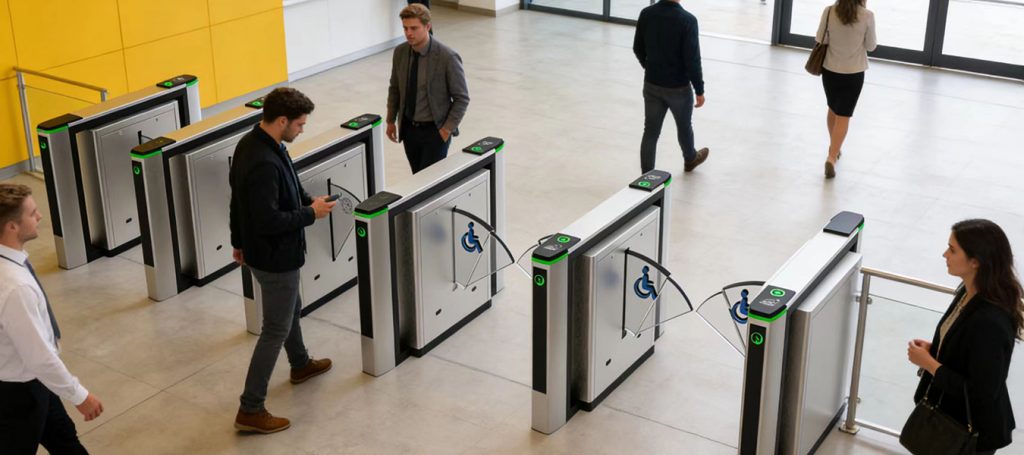
Dry Contact / Relay
Dry contact (volt-free relay) is a signal channel that sends a simple ON/OFF trigger rather than data. This is the core interface for flap barrier dry contact integration. The access controller outputs a relay pulse to tell the barrier “open once”, while the barrier can also output relay signals to report passage, alarm or fault status to third-party panels.
Pros: Protocol-agnostic, works with almost any access or fire system, no communication handshake required, excellent for emergency linkage.
Cons: Only carries trigger signals, no user ID, no detailed event metadata, limited timing control.
Two common modes: Normally Open (NO) and Normally Closed (NC). Fire alarm linkage almost always uses NC wiring for fail-safe evacuation.
RS485
RS485 is a differential serial bus supporting multi-drop wiring. You can connect multiple flap barriers on one bus cable for centralized command and status polling.
Pros: Longer transmission range than Wiegand, stable in electrically noisy environments, bidirectional communication, lower cabling cost for multiple lanes.
Cons: Slower than TCP/IP, needs correct address assignment and termination resistor, limited by proprietary protocol variations between manufacturers.
Best for: Factory corridors, basement lanes and sites where Ethernet is difficult to route.
TCP/IP
TCP/IP network integration is the modern backbone for medium and large security deployments. The flap barrier connects via CAT6 Ethernet to LAN, sending and receiving commands over socket, HTTP or manufacturer-defined network protocols.
Pros: Long distance, real-time log upload, remote opening, remote parameter configuration, anti-tailgate tuning, lane status monitoring, NTP time sync, easy integration with cloud visitor platforms.
Cons: Requires stable network, IP address planning, firewall rules and basic network knowledge.
Best for: Headquarters, mixed-use buildings, airports and visitor management systems where full event traceability is required.
How to connect with readers: face, QR, RFID
The reader connection strategy depends on which side handles credential validation.
Option A: Reader sends Wiegand ID to flap barrier mainboard. The barrier board checks local allowlist and opens. Suitable for standalone sites with RFID or QR readers.
Option B: Reader verifies the face / QR code locally, then sends a dry contact relay pulse to open the flap barrier. This is the most common face recognition setup. The biometric reader makes the access decision, and the barrier only executes the open command.
Option C: Reader sends ID over TCP/IP to central access server. Server validates permission and pushes an open command back to the flap barrier via network. This is enterprise-grade, ideal when access rights change frequently.
Critical wiring checklist:
- Share a common GND between reader, power supply and barrier controller to avoid floating ground misfires.
- Keep Wiegand cables separated from high-voltage power cables.
- Test single lane first before daisy-chaining multiple lanes.
- Adjust relay pulse width on the access panel to match the barrier’s trigger requirement; too short and it ignores the signal, too long and it triggers multiple openings.
Fire alarm linkage wiring logic
Fire safety linkage is not optional for most commercial buildings, and it relies almost entirely on dry contact wiring. The core rule: on alarm, all flap barriers must fail open for evacuation routes.
Standard wiring logic:
- Fire alarm control panel (FACP) provides a NC dry contact output.
- Connect this pair to the dedicated fire alarm input terminal on the flap barrier mainboard.
- Under normal conditions, the circuit stays closed. When smoke or fire triggers the alarm, the FACP relay releases, the circuit opens, and the barrier firmware immediately retracts flaps and stays unlocked until reset.
Important warnings:
- Never use NO contact for fire escape lanes unless the local fire code explicitly permits it. If power is lost, NO circuits will fail closed and block escape.
- Fire linkage should bypass normal access rules and anti-tailgate logic.
- Always test after wiring: activate the test relay on the fire panel and confirm every lane opens reliably.
- Document NC/NO selection for the fire inspector.
Visitor system & elevator linkage
Visitor management integration usually runs on TCP/IP, sometimes combined with dry contact triggers.
Typical visitor workflow:
- Front desk or self-service kiosk creates a temporary QR code pass with valid time window.
- Visitor platform pushes the credential to the access server or directly to the flap barrier reader.
- Visitor scans QR at the flap barrier; after successful verification, the barrier opens and can send a dry contact or TCP signal to call the assigned elevator.
- Once the visitor exits, the temporary permission automatically expires.
Elevator linkage notes:
- The flap barrier output signal is usually a momentary relay pulse, not a sustained latch.
- Use an intermediate elevator control relay module if the elevator board cannot accept short pulses directly.
- Add timeout rules so one valid QR cannot repeatedly call the elevator for other people.
SDK & software development support
When off-the-shelf access or visitor software cannot meet project requirements, SDK is the solution. Manufacturers provide SDK packages for C#, Python, JavaScript or HTTP API sets, so developers build custom control logic.
Common SDK functions include:
- Remote open / close single or multiple lanes
- Real-time subscription of passage events, alarm events, anti-tailgate, pinch detection and flap fault
- Uploading and deleting user credentials in bulk
- Setting passage timeout, anti-tailgate sensitivity, indicator light rules
- Retrieving lane counter data for people flow statistics
SDK is widely used for custom building automation, event ticketing systems, gym membership platforms and proprietary cloud visitor portals. Before starting development, confirm what the SDK covers: some SDKs only send commands, while full versions support bidirectional event streaming.
Common integration mistakes & troubleshooting
- Wiegand bit mismatch: 26-bit reader to 34-bit board. Symptom: card swipes produce no reaction. Fix: match format or use a Wiegand converter.
- No shared ground: reader and barrier powered by separate adapters. Symptom: intermittent opening, random missed reads. Fix: tie GND together.
- Wrong fire contact type: NC required but wired NO. Symptom: barrier stays locked during alarm test. Fix: rewire to NC and reconfirm with fire code.
- Overlong or unshielded Wiegand cable. Symptom: unstable reads when machinery runs nearby. Fix: shorten run or switch to RS485/TCP/IP.
- Relay pulse duration misconfigured. Symptom: one valid scan opens twice. Fix: reduce pulse time on access controller.
- TCP/IP integration without NTP sync. Symptom: access logs show wrong timestamps and audit reports fail. Fix: enable NTP on barrier and server.
- Anti-tailgate disabled or misaligned infrared sensors. Symptom: security breach or false alarm complaints. Fix: calibrate IR zones during commissioning.
- Mixed protocols on one terminal block. Symptom: board damage or random behaviour. Fix: separate Wiegand, dry contact and network terminals clearly.
FAQ
Q: Which interface should I choose for a standard office flap barrier?
A: Most small offices use Wiegand readers feeding dry contact open signals to the flap barrier. If you need logs and remote management, choose flap barrier TCP IP integration.
Q: Can dry contact carry user card information?
A: No. Flap barrier dry contact only sends a simple open trigger. Use Wiegand or TCP/IP if you need to transfer ID data.
Q: Is RS485 better than TCP/IP for multiple lanes?
A: RS485 works well where Ethernet is unavailable, but TCP/IP gives richer data, easier remote support and faster event reporting for most modern projects.
Q: Does every flap barrier support SDK?
A: Not all models. Entry-level flap barriers often only support Wiegand and dry contact. Confirm SDK and API availability before committing to custom software development.
Q: Can fire alarm linkage run over TCP/IP instead of dry contact?
A: Not recommended for life safety. Network outages or packet loss create risk. Fire release should always use hardwired dry contact relay as the primary path.
Conclusion
Flap barrier integration is not just wiring terminals together. It is selecting the right communication method to match the site’s security, safety and software needs. Wiegand remains the default for simple reader connections, dry contact is indispensable for fire alarm and relay trigger workflows, RS485 serves noisy multi-lane sites, TCP/IP powers enterprise and visitor management, and SDK unlocks fully custom software experiences.
For security installers and distributors, mastering these interfaces reduces on-site failures, speeds up commissioning and gives clients a reliable, audit-ready access system that complies with local fire and security standards. When you plan your next flap barrier project, start with one question: what signals need to go in, and what status data needs to come out? The answer will point you directly to the correct integration architecture.